






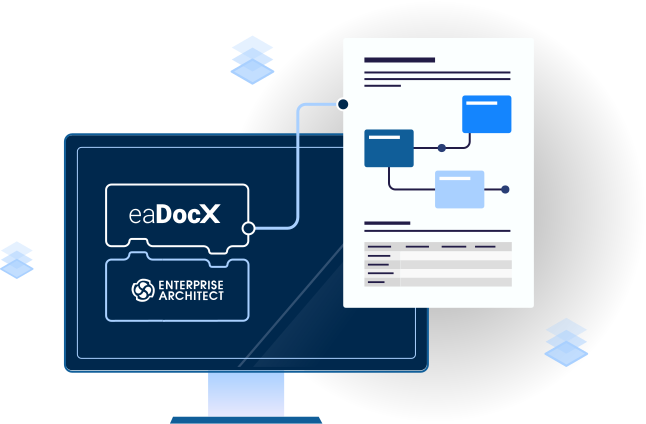
Smart documents from Sparx Enterprise Architect
eaDocX is the worlds best selling EA extension, giving EA users of all abilities a simple way to produce great documents which reveal all the richness of their EA models.
Key features
Learn more about how eaDocX can help you generate smarter documents using these powerful features
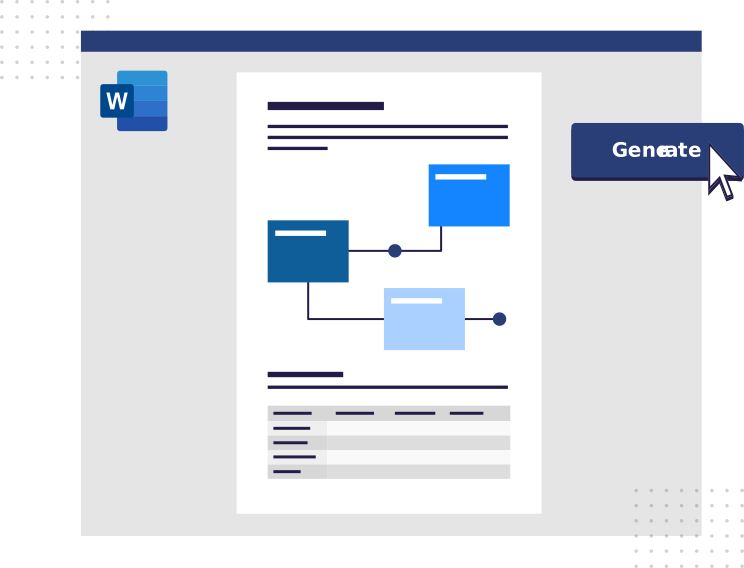
Create your first Word document in just 2 clicks. Simple to edit and publish online for fast review and approval.
Compose documents using all types of EA content and choose exactly what details are printed for every single type and stereotype.
eaDocX reads your EA model and gives you tailored choices, adding automatic hyperlinks and hiding empty fields, all formatted with standard MSWord controls.
Revision Manager makes it easy to update your model directly from documents, combining feedback from multiple documents and multiple reviewers into a single update.
eaDocX Frequently Asked Questions
Q: What is eaDocX?
A: eaDocX is the Word document automation tool for Sparx Enterprise Architect. It generates professional documentation directly from your models.
Q: How does eaDocX save time?
A: It automates repetitive documentation tasks, letting you generate reports, templates, and spreadsheets without manual copying or formatting.
Q: Can I customize templates in eaDocX?
A: Yes, you can create and modify templates for Word or Excel to match your organization’s standards.
Q: Which versions of Enterprise Architect are supported?
A: eaDocX works with all recent versions of Sparx Enterprise Architect. Check release notes for compatibility details
Q: Can I share generated documents with my team?
A: Absolutely. eaDocX creates standard Word files that can be shared or archived for team collaboration.
Q: What about my existing Word templates?
A: eaDocX uses 100% of your existing Word templates: paragraph and table styles, headings, colors, spacing – everything.
Q: Why do you say eaDocX documents are more reader-friendly?
A: eaDocX lets you convert EA connections into document hyperlinks. This means your readers can explore your documents just like they would with a website – they don;t have to start at the top and read to the end. It also means that documents can have a short, simple core, then hyperlinks to additional information, saving your readers time.
Q: What about the Word features I use already, like Table of Contents and Table of Figures?
A: If you include either of these in your document, each time you re-generate your document with the latest EA information, those table with automatically update.
Q: My readers like a glossary at the end of each document, but ours are always too large.
A: eaDocX can take glossary information from EA, then scan the generated document, and create a glossary using only the terms which are used in the document. So no more massive glossaries with every term you have ever used.

Documents people actually read
eaDocX replaced our old EA document exports with normal Word documents. Our stakeholders likes that the documents looked like what we used to create by hand, and not like they had been created by a computer. They also like that we can now make documents which have a short, simple core, with lots of links to supporting information. This makes it quicker for them to read what they need to read. Oh, and they really liked the kind of conditional formatting which they normally get in spreadsheets. For the first time, we are producing documents people actually read
Two clicks to a polished first draft
To get started, I selected a package, ran Quick Document, and had a structured Word report that already matched our corporate template. No RTF templates, and most important, no post-processing marathon. Because it behaves like normal Word, the team just edits and reviews. My new EA users now spend much less time polishing documents, and more time with stakeholders.

Download a free trial
Take a free, no obligation, 30-day trial of eaDocX and ea Revision Manager. Discover for yourself why eaDocX is the world’s best-selling Enterprise Architect extension. eaDocX and eaRevision Manager are part of eaTeamWorks, so you can also trial eaSheets, Model Expert and PortfolioManager. Plus free for life features.
Download