






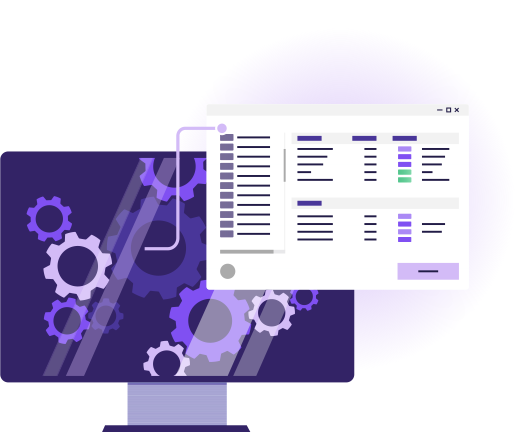
Instant Impact Assessments
Portfolio Manager lets you create and run several projects at the same time in the same model, giving everyone early visibility of potential issues so they can be resolved, simply.
Key features
Learn more about the ways in which Portfolio Manager helps you model multiple projects in a single EA model.
Portfolio Manager provides warnings when your model changes will overlap or interfere with changes being made by other projects, reducing duplication, re-work and project delays.
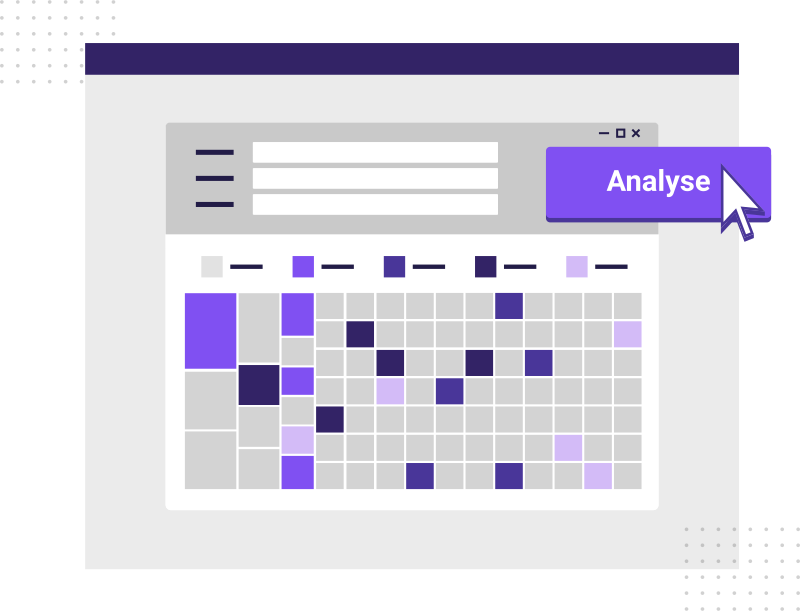
Summary views of all the changes happening in a portfolio of projects make it easy to identify potential issues and drill down ito examine project dependencies, where management effort needs to be focused.
Model managers can see the roadmap of change for each element in the model, including every planned and proposed change resulting from every project. Clear traceability from As-Is to To-Be.
Portfolio Manager delivers a summary view of all planned changes to the complete model as each project delivers. Scroll forward from today into the future, and see how the 'To-be' state develops over time.
Portfolio Manager Frequently Asked Questions
Q: What is Portfolio Manager?
A: Portfolio Manager is a tool for managing multiple Sparx EA projects, tracking progress, and ensuring consistency across teams.
Q: How does Portfolio Manager improve collaboration?
A: It centralizes project oversight, allows monitoring of multiple models, and enforces organizational standards across projects.
Q: Can it generate reports for stakeholders?
A: Yes, Portfolio Manager can produce dashboards and export reports for project review and stakeholder communication.
Q: Does it integrate with other EA add-ins?
A: Yes, it works seamlessly alongside eaDocX, eaSheets, Revision Manager and Model Expert for a fully integrated EA environment.
Q: Can I track changes across projects?
A: Yes, Portfolio Manager tracks revisions, enabling visibility into progress, changes, and compliance across all projects.
Download Portfolio Manager
Take a free, no obligation, 30-day trial of Portfolio Manager. Portfolio Manager is part of eaTeamWorks, so you can also trial eaDocX, Revision Manager, eaSheets and Model Expert. Plus free for life modeling features. Discover for yourself the difference that Portfolio Manager real-time impact analysis will make to your EA modelling.
Download