






Use the power of spreadsheets to expand the potential of your Model
eaSheets lets you use the power of a spreadsheet to import, edit and save data in your EA model, and export it to share with stakeholders. Add, view, and change model data quickly and easily across large numbers of elements and connectors.
Features
Speed up your workflow and get meaningful insights from your model.
View and manipulate the detail of your model data. Share lists of elements and connectors and the detail that you need
Add large numbers of elements quickly by importing existing spreadsheets - and check before making the changes.
Apply reference models and rules to your data to make gaps, errors, and important fields stand out
New insights from combining your tagged values with your model structure; viewed and calculated in sheets.
eaSheets Frequently Asked Questions
Q: What is eaSheets?
A: eaSheets provides a spreadsheet-style interface for editing EA model data, allowing bulk updates, filtering, and navigation in a spreadsheet.
Q: How does eaSheets improve modeling efficiency?
A: It lets teams edit multiple elements simultaneously, validate data quickly, and perform operations that would otherwise take hours manually.
Q: Can eaSheets work with large models?
A: Yes, it’s designed to handle large Enterprise Architect models efficiently, minimizing load times and improving workflow.
Q: Does eaSheets integrate with EA’s native interface?
A: Yes, eaSheets works seamlessly within Sparx Enterprise Architect, complementing the native modeling environment.
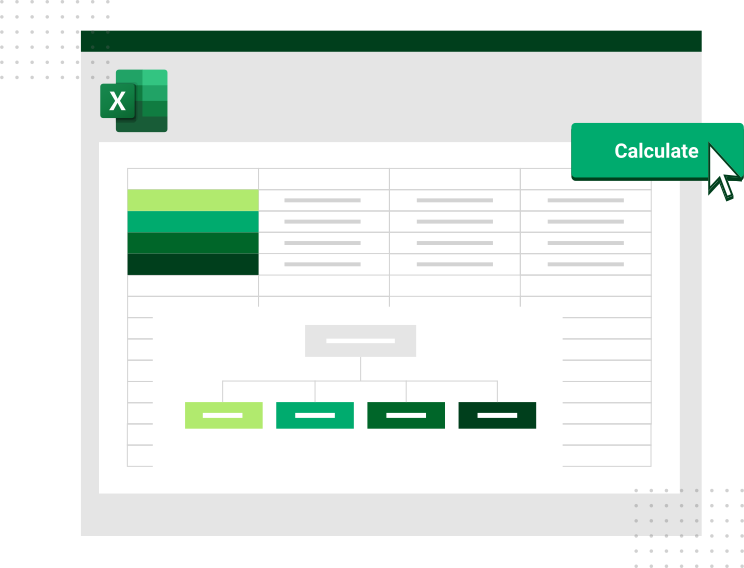
Q: Can I export/import edited data to and from Excel?
A: Yes, you can export, review, and share model data in Excel while keeping model integrity intact.
Take a free, no obligation, 30-day trial of eaSheets. eaSheets is part of eaTeamWorks, so you can also trial eaDocX, Revision Manager, Model Expert and Portfolio Manager. Plus free for life EA modeling features. Discover for yourself the difference that working with eaSheets will make to your EA modelling.
Download