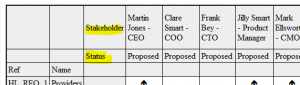






Target Rows
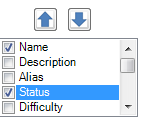
You can change the information which appear in the heading row, by selecting additional attributes from the list:
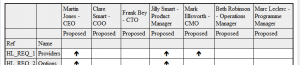
Produces a table like this:
You can change the order of the rows by using the UP and DOWN controls next to the attribute list.
You can also add a title to each row, by selecting the attribute in the list, selecting the ‘Show row titles’ option, and adding the required title: